And nothing that gets in the way.
🌤️
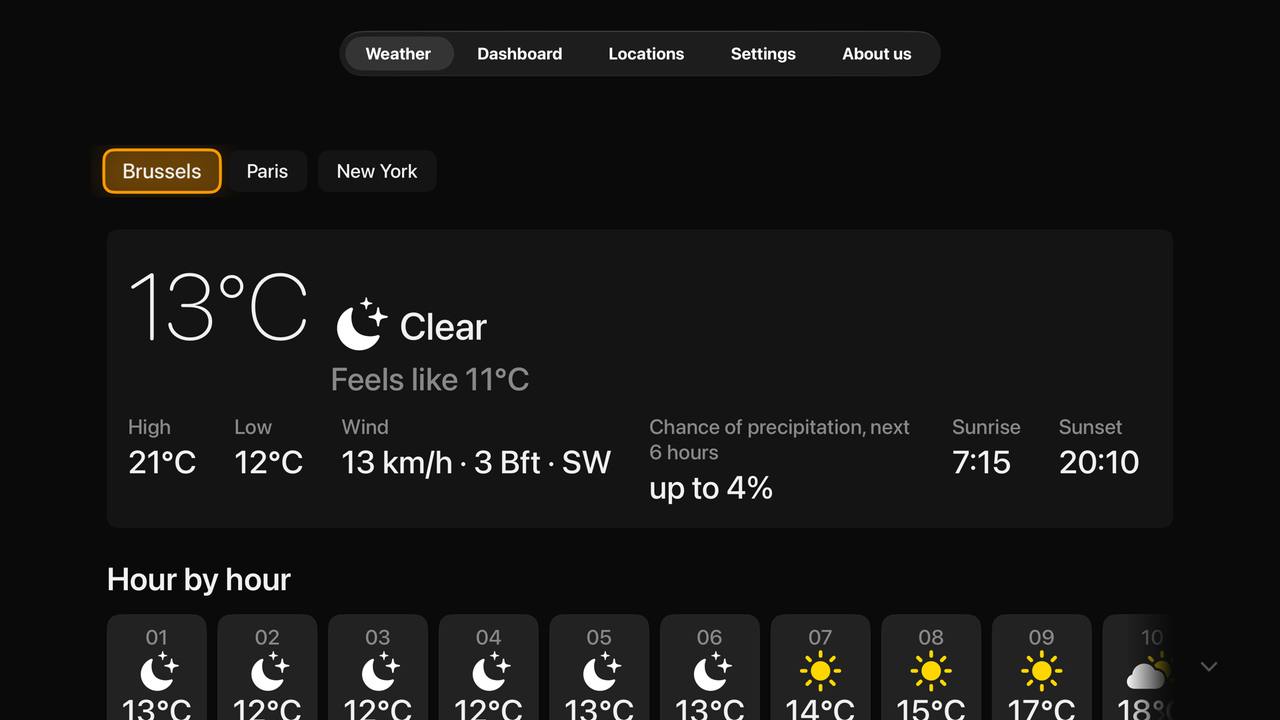
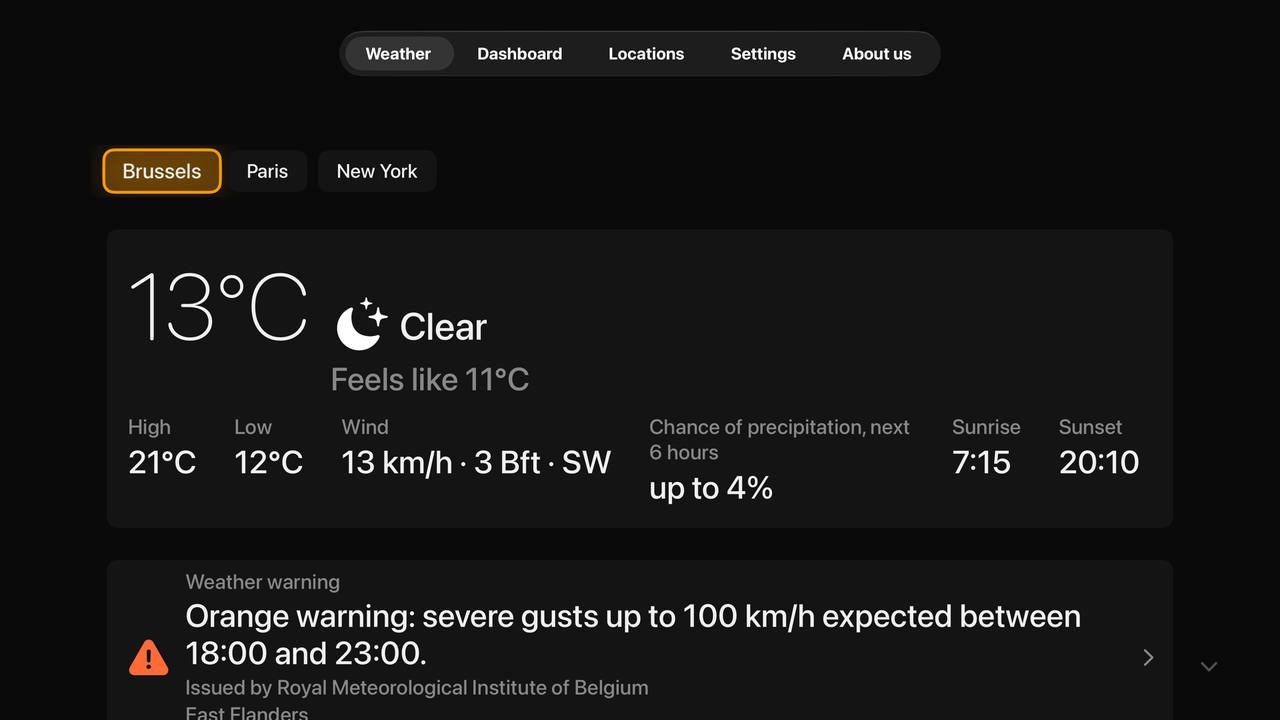
Now and the next 24 hours
Temperature, feels-like, wind in km/h and Beaufort, rain chance per hour, sunrise and sunset. Free, for your home location.
📅
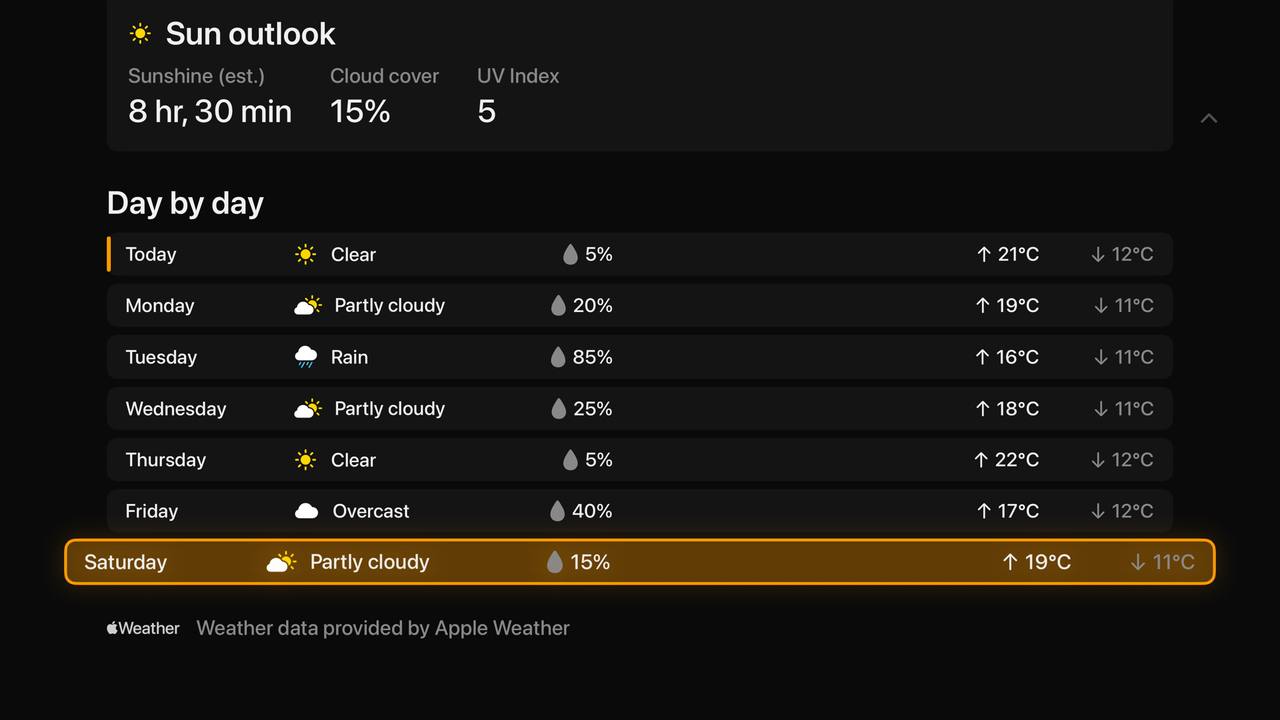
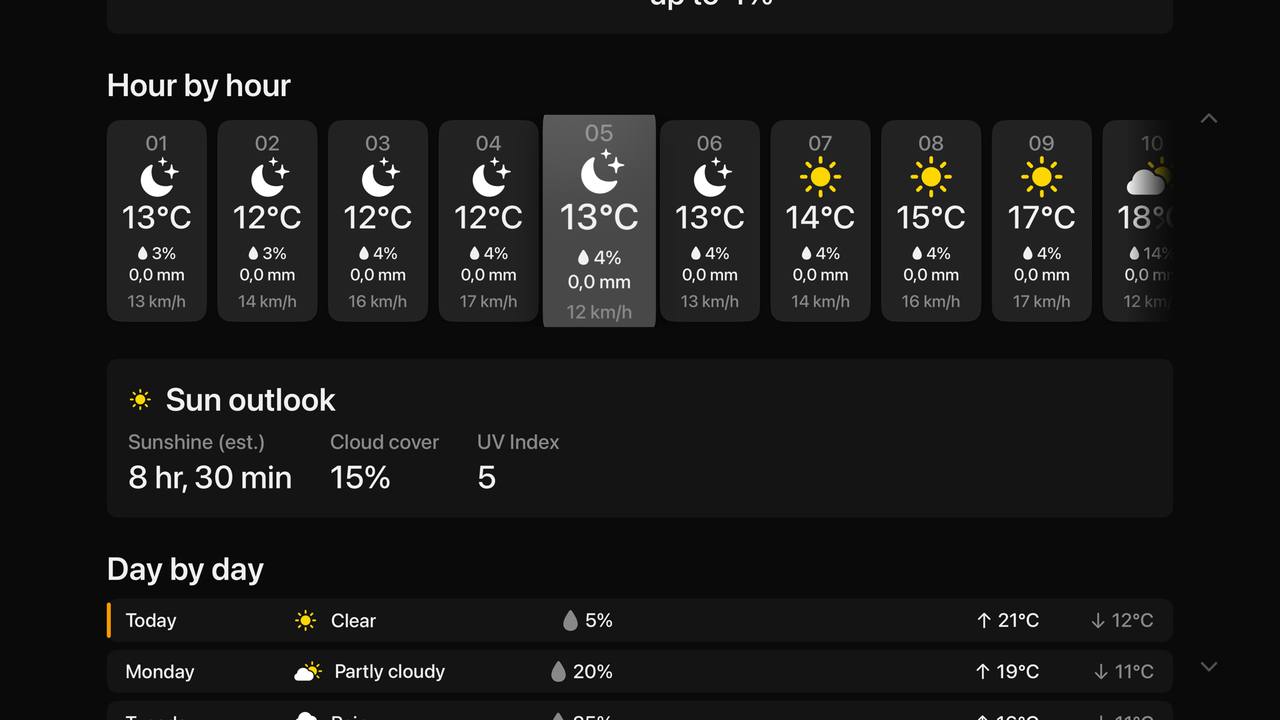
7-day forecastPlus
The whole week at a glance, the next 48 hours hour by hour, and any day’s detail (sunrise, humidity, visibility and the rest) one press away.
🖼️
Photo dashboardPlus
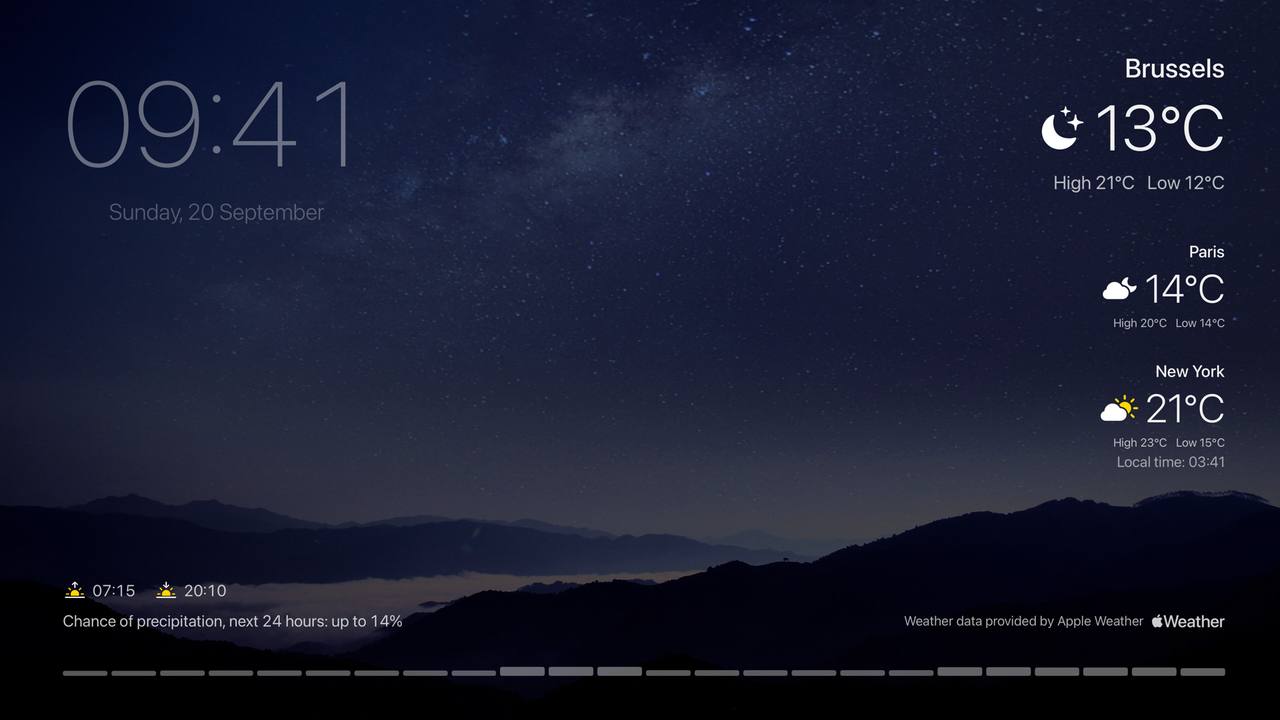
Leave the TV on: rotating photographs matching the weather and time of day, a large clock, a 24-hour rain strip and your first three cities at a glance, each with its own local time. With measures that reduce the risk of image retention.
📍
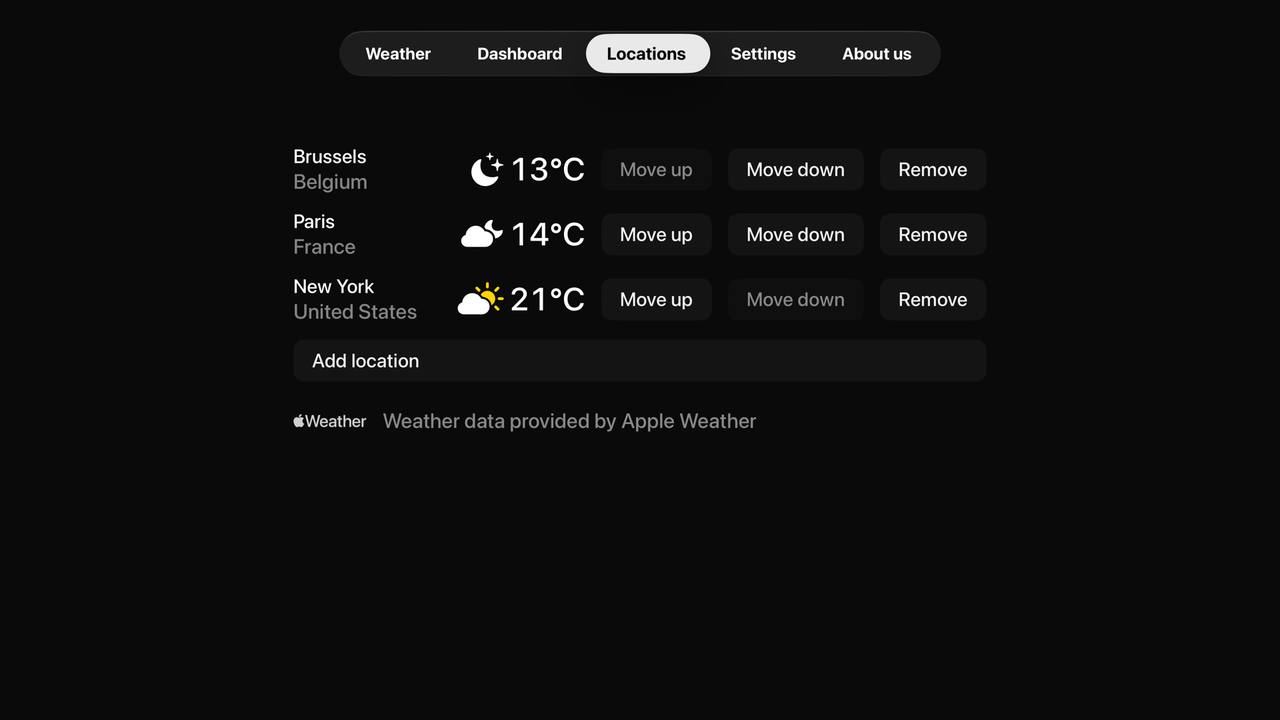
Five locationsPlus
Home, the holiday house, the grandparents. Switch with one press.
📺
Top ShelfPlus
Highlight the app on your Home Screen and see your first favourite's weather without opening anything.
⚠️
Weather warnings
Official warnings shown where Apple Weather provides them, with the issuing agency and the full text.
☀️
Sun outlook
Estimated sunshine hours, cloud cover and UV, made for people who care about the sun on their roof.
🌍
Six languages
English, Dutch, French, German, Spanish and Italian, with °C or °F and km/h or mph, the Beaufort force alongside.
🔒
Private by design
No account, no login, no tracking. Weather data comes straight from Apple Weather; diagnostics stay in the EU.